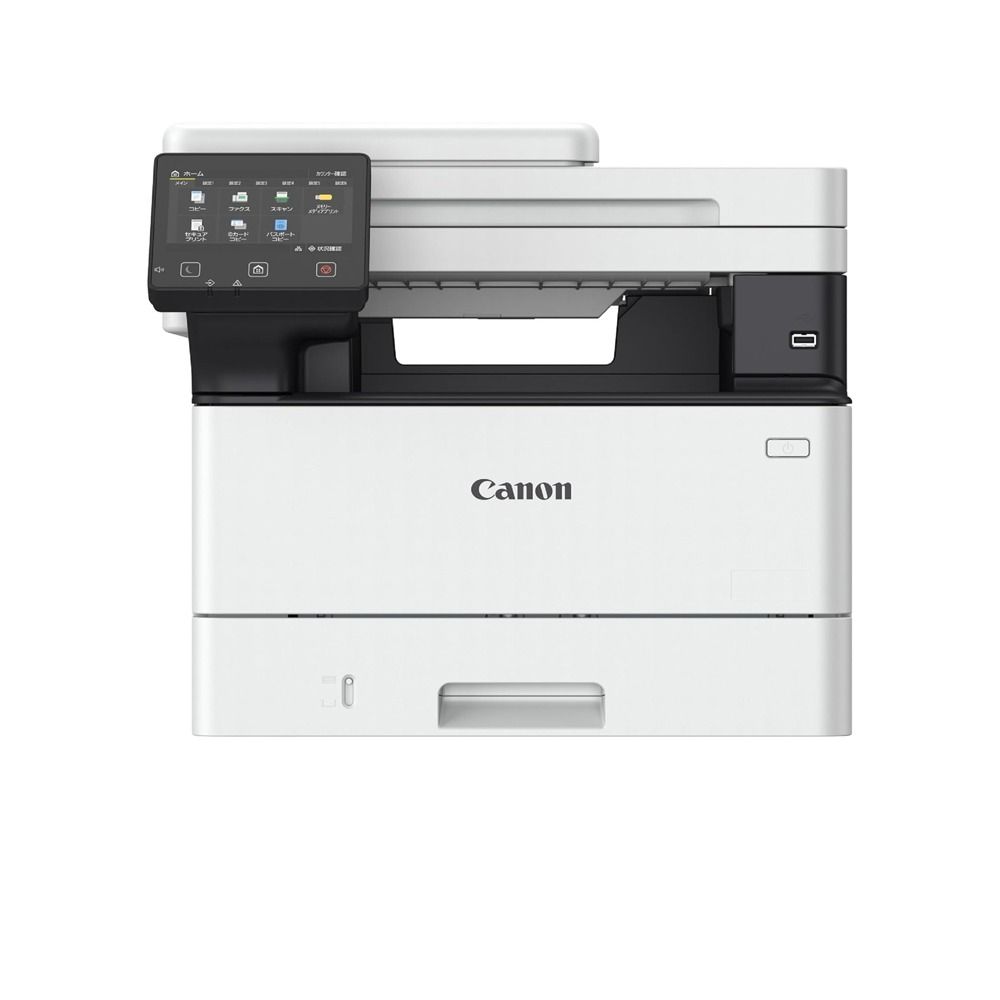
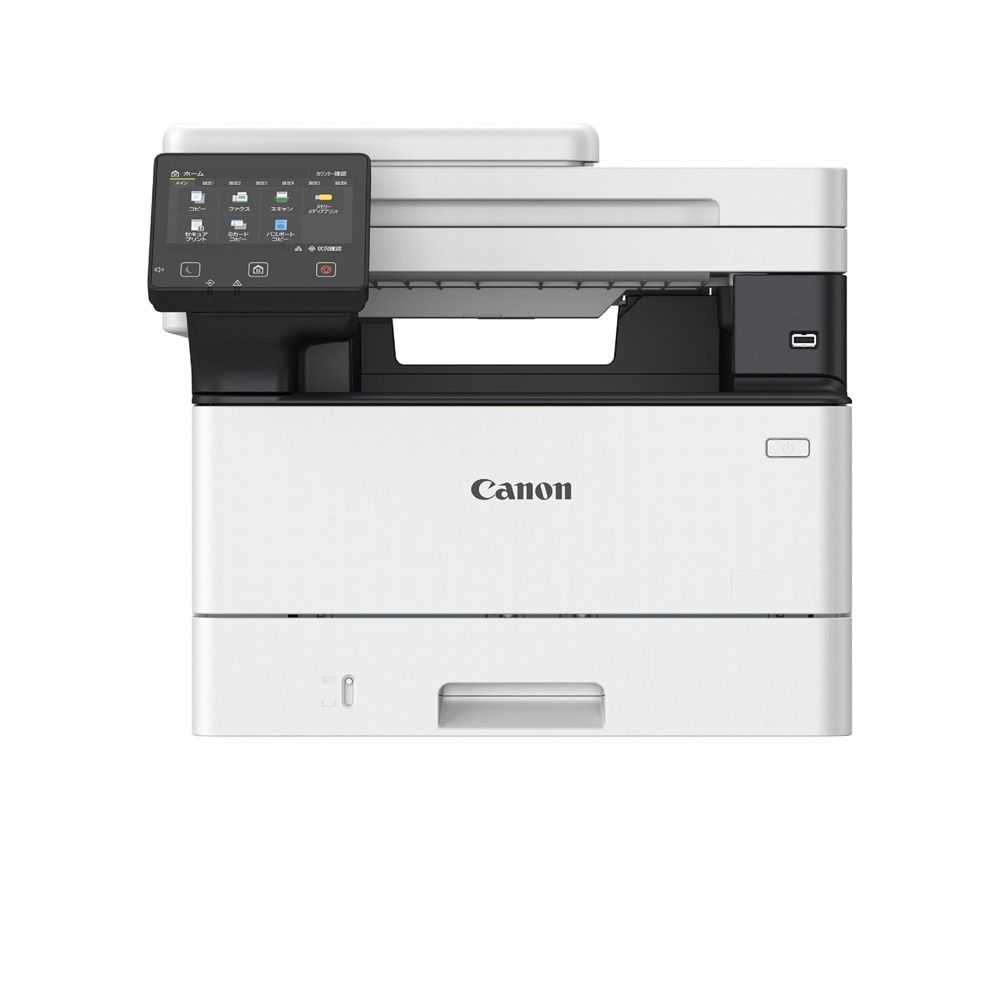
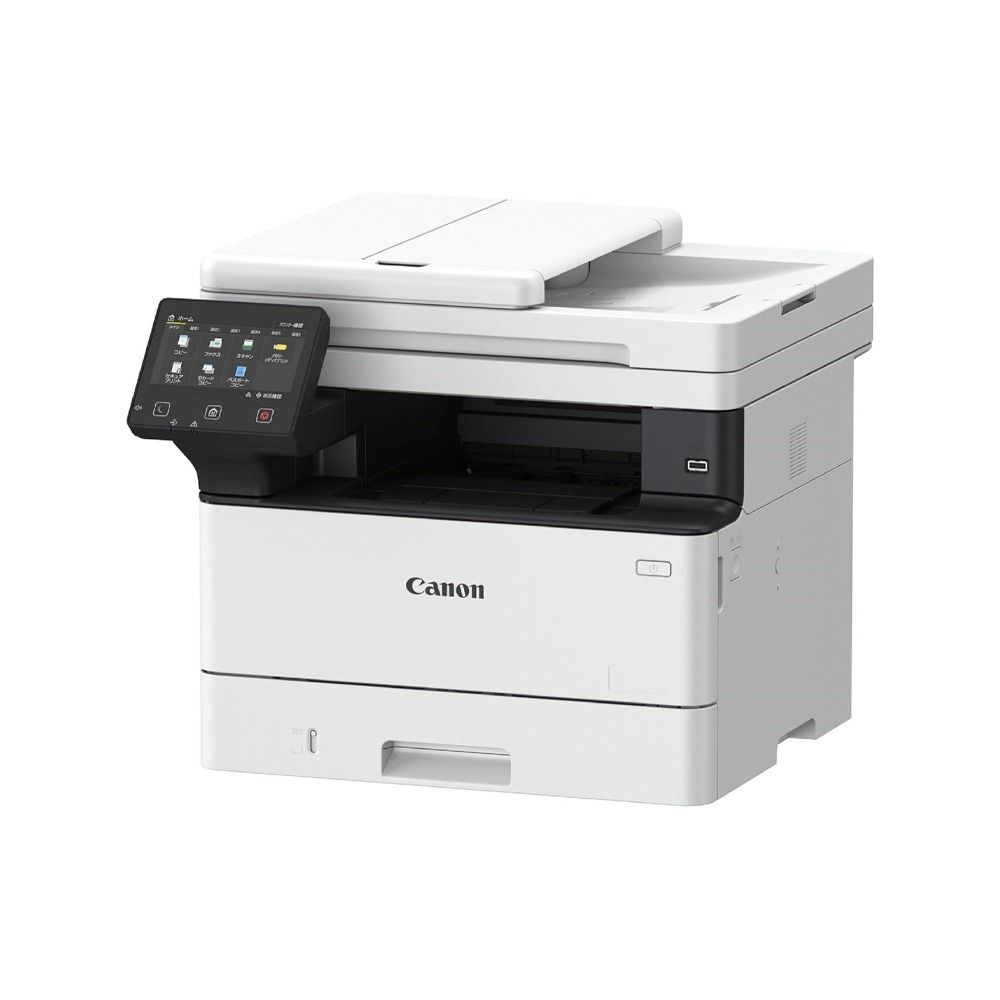
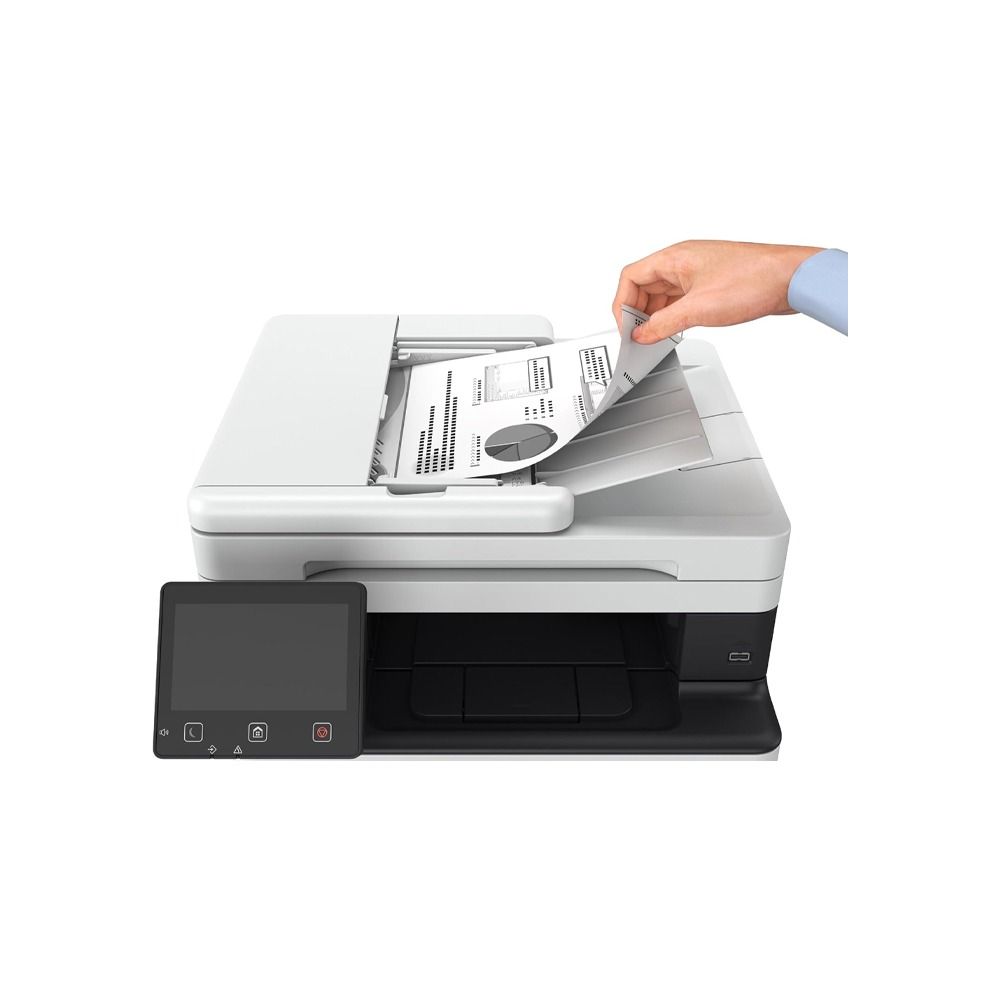
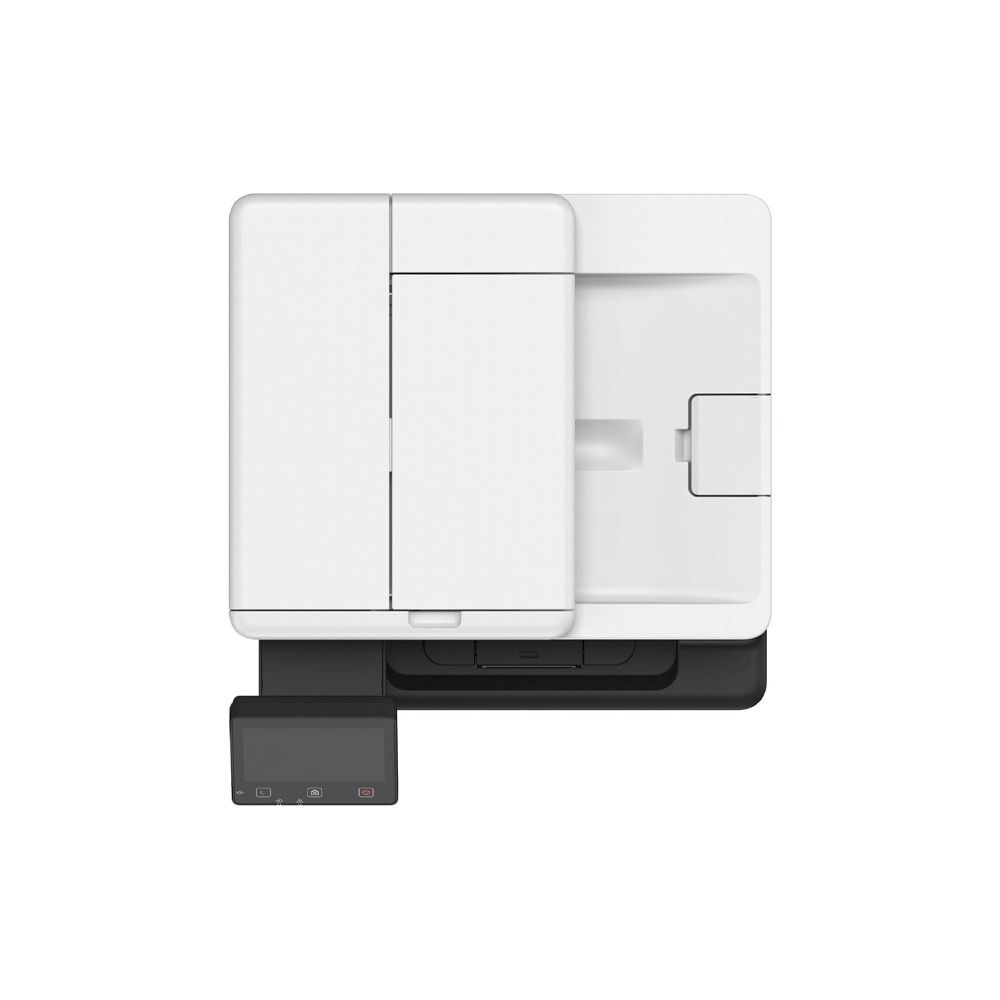
كانون طابعة اي سينس - موديل MF465dw
السعر
المواصفات
لا توجد مواصفات متاحة.
تفاصيل المنتج
Canon i-SENSYS Printer - MF465dw
Protect documents 360-degree security ensures complete document, device and network security. Security features include TLS1.3, Verify System at Startup and secure PIN printing. Intuitive user experience Easily carry out print and scanning jobs with one-touch buttons. Drag & drop icons help customise the display screen and allow you to perform routine tasks smoothly. Boost productivity Save valuable time with print speeds of up to 40ppm, scanning speeds of up to 100ipm and a warm-up time of 14 seconds. Manage your printer using Universal Print from Microsoft. Collaborate in the cloud Harness the power of the cloud with built-in connectivity to cloud storage services including Google Drive, DropBox, and OneDrive. Save space A compact design helps you easily place devices on desktops or counters, maximising office space as a result. Mobile printing Conveniently print documents from your smartphone or tablet with the Canon PRINT Business app, or via AirPrint (iOS) and Mopria (Android).
قد يعجبك أيضًا
منتجات من نفس الفئة قد تناسبك.